How to access BTSF ACADEMY and BTSF training materials in one...
How to access BTSF ACADEMY and BTSF training materials in one of 24 European languages

Please use the languages selector (1) to change the language to view all BTSF course information and training materials through the eTranslation service.

Visual user interface reference for language selection in the BTSF ACADEMY

If you want to keep the selected language for the next connections, you have to click on your user name (1) / Preferences (2) and click on Preferred language. Save the changes when done.

Visual user interface reference for preferred language in the BTSF ACADEMY

For eLearning courses, please read below.

BTSF ACADEMY material in more languages and BTSF eLearning courses

The latest updated and new eLearning courses include a "TRANSLATE" button at the top of the module which opens a Language selector.

This will access the eTranslation services. This feature relies on the response time of the eTranslation service. Please request the translation again if part of the content is not processed automatically when navigating.


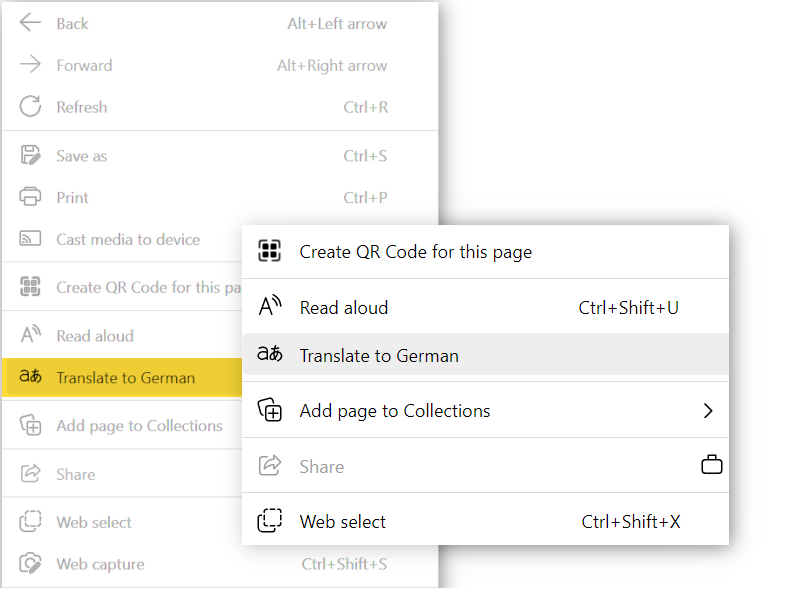
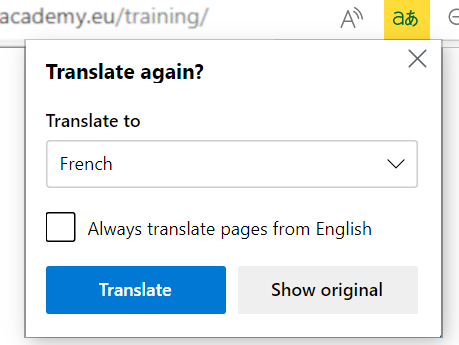
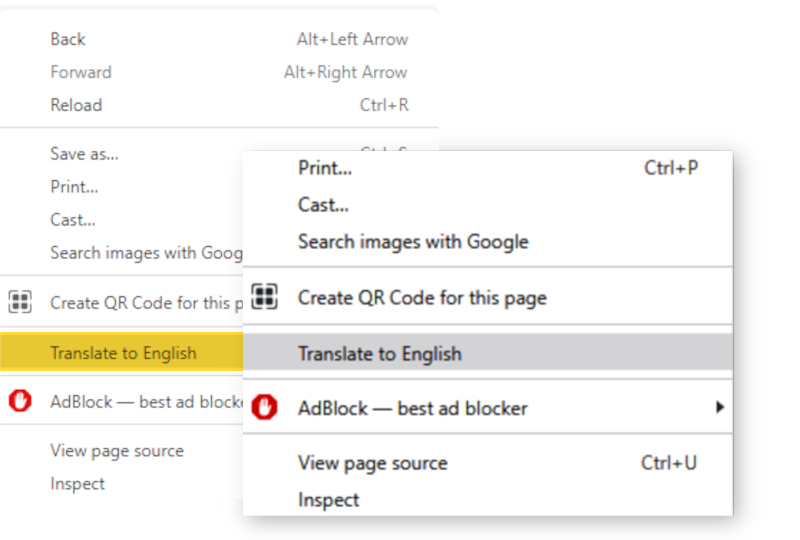
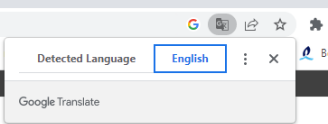
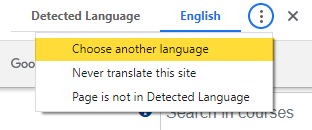
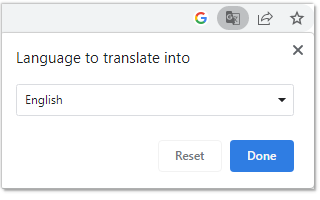
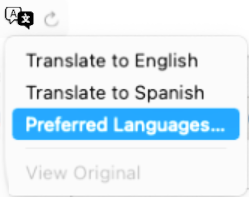
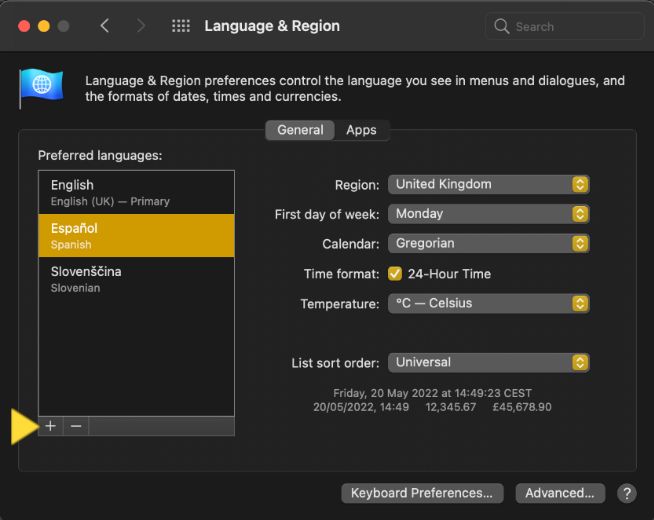
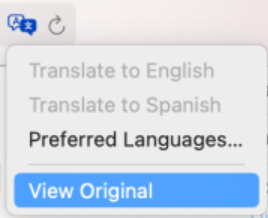
eLearning courses which are pending updates were developed with previous technologies and do not use eTranslation. Nevertheless, they can be viewed in other languages, as well, using the in-browser translation feature. Please see below for more information on each of the listed ones below.

These feature can also provide translation to other languages thatn those covered by eTranslation.


All logos and trademarks belong to their respective owners.

Laatste wijziging: maandag, 17 augustus 2026, 10:42